
 Aurix
AurixSome moments don’t need a long video. A great clip, a quick laugh, something you just had to share. Now they have a place of their own.
Meet Aurix Scrolls, or just Scrolls. Short videos, up to 60 seconds, in a feed you can keep moving through. Open a Scroll, watch a little, and swipe or scroll to the next one.
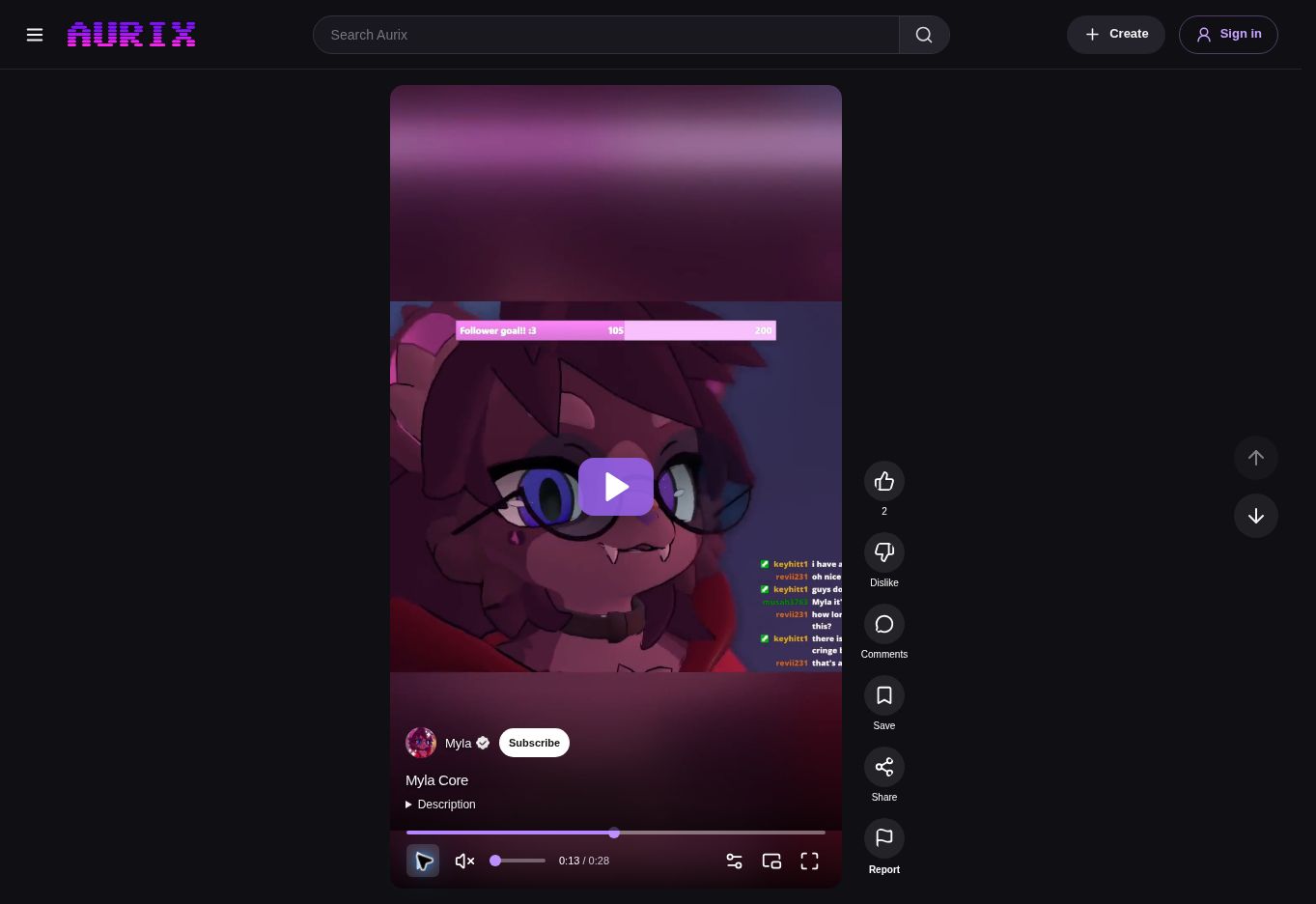
A feed that keeps moving.
Scrolls are made for a quick watch on your phone, and feel at home on desktop too. Swipe up on mobile, scroll with your mouse, or use the up and down controls to move between videos.
The next Scroll starts playing as you move through the feed. If your browser needs a tap before it can play sound, you’ll see an unmute control. You can like a Scroll, save it to Watch later, share it with a friend, or subscribe to the creator right from the feed.
The conversation, when you want it.
Comments open in a popup, so they’re there when you want to join in and out of the way when you want to keep watching. Open the comments button to read the conversation, reply, or leave a reaction. Sign in to take part.
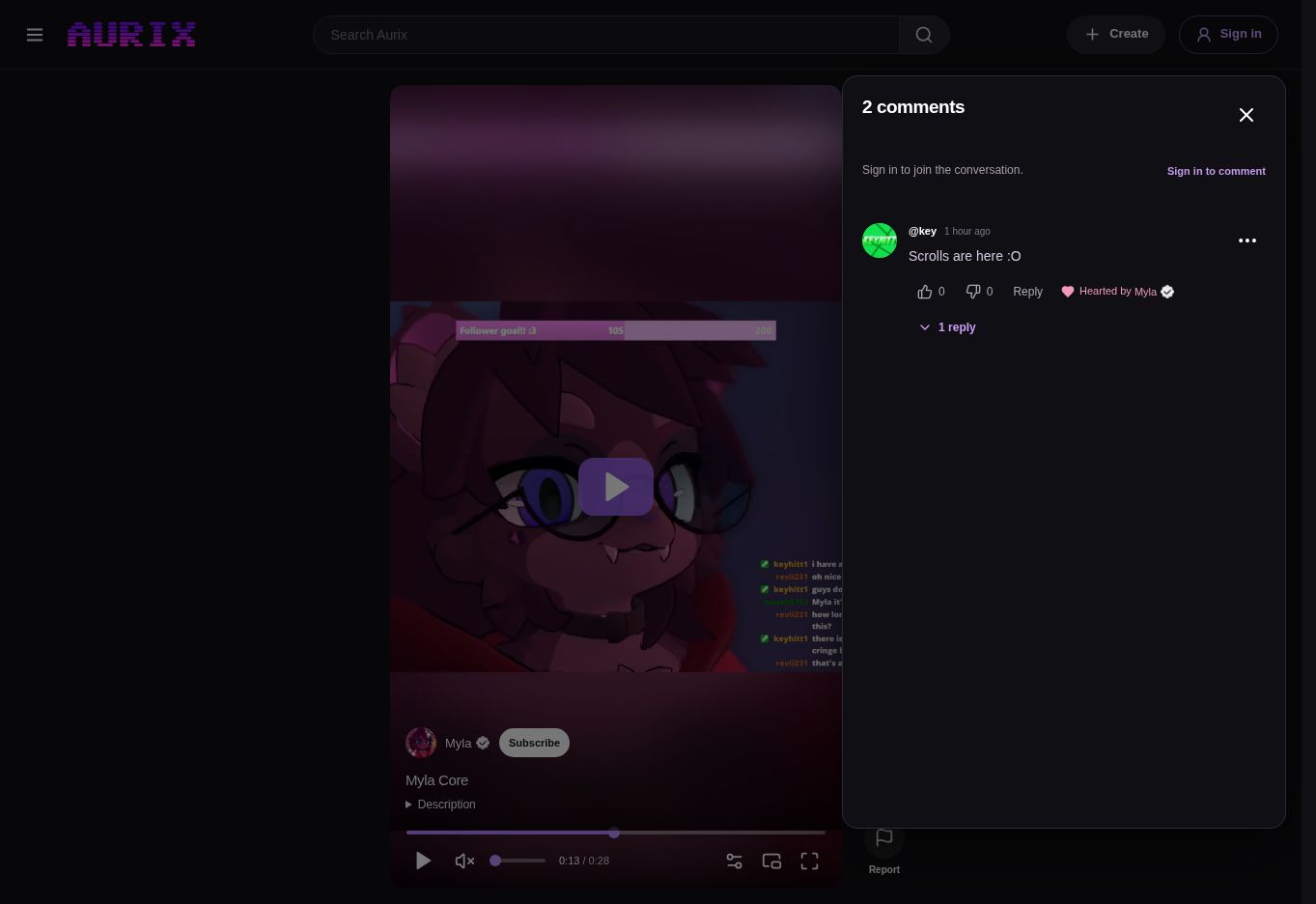
Your first Scroll starts with an upload.
There’s no separate upload process to learn. Upload your video in Aurix Studio as usual. Aurix automatically recognises it as a Scroll when it’s:
- 60 seconds or lessQuick moments, from start to finish.
- Square or tallerA 1:1 aspect ratio or any portrait format.
Your Scroll gets its own link and appears in the Scrolls tab on your channel. You’ll also find a dedicated Scrolls section on the Aurix home page, so short videos have a space alongside longer watches.
Find your next favourite, one Scroll at a time.
Scrolls are available now on Aurix. Take a look, or share a moment of your own.