
Explore your channel’s performance with the updated analytics in Aurix Studio.
Explore your performance
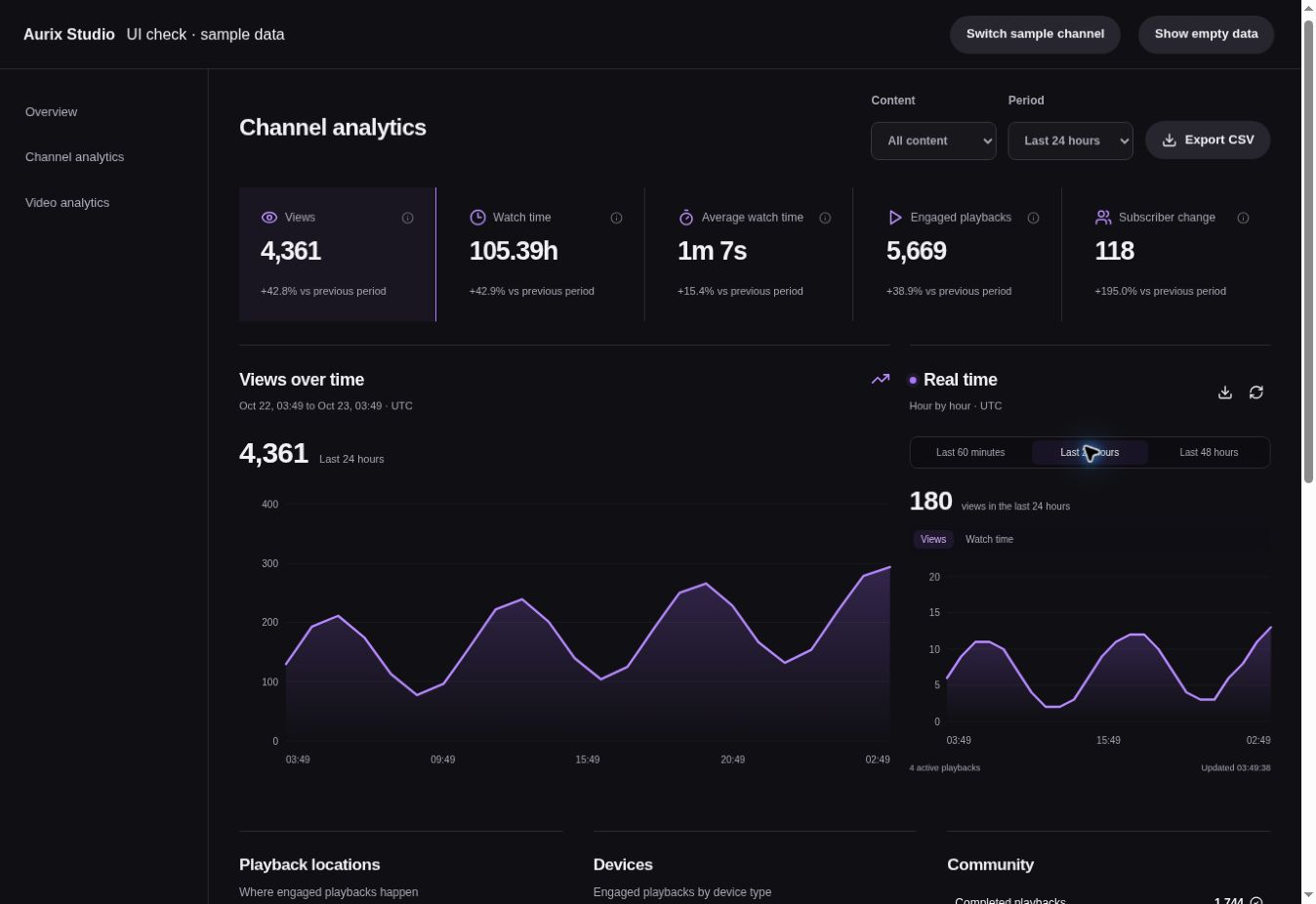
Line charts replace the bar charts on your overview and analytics pages. Choose views, watch time, average watch time, engaged playbacks or channel subscriber change, then hover, tap or use the arrow keys to inspect values.
The new Last 24 hours period shows hourly totals. You can also choose 7, 28, 90 or 365 days, or lifetime, and filter your channel’s reports by videos, Scrolls or streams. Period comparisons show how your performance changed.
See activity as it happens
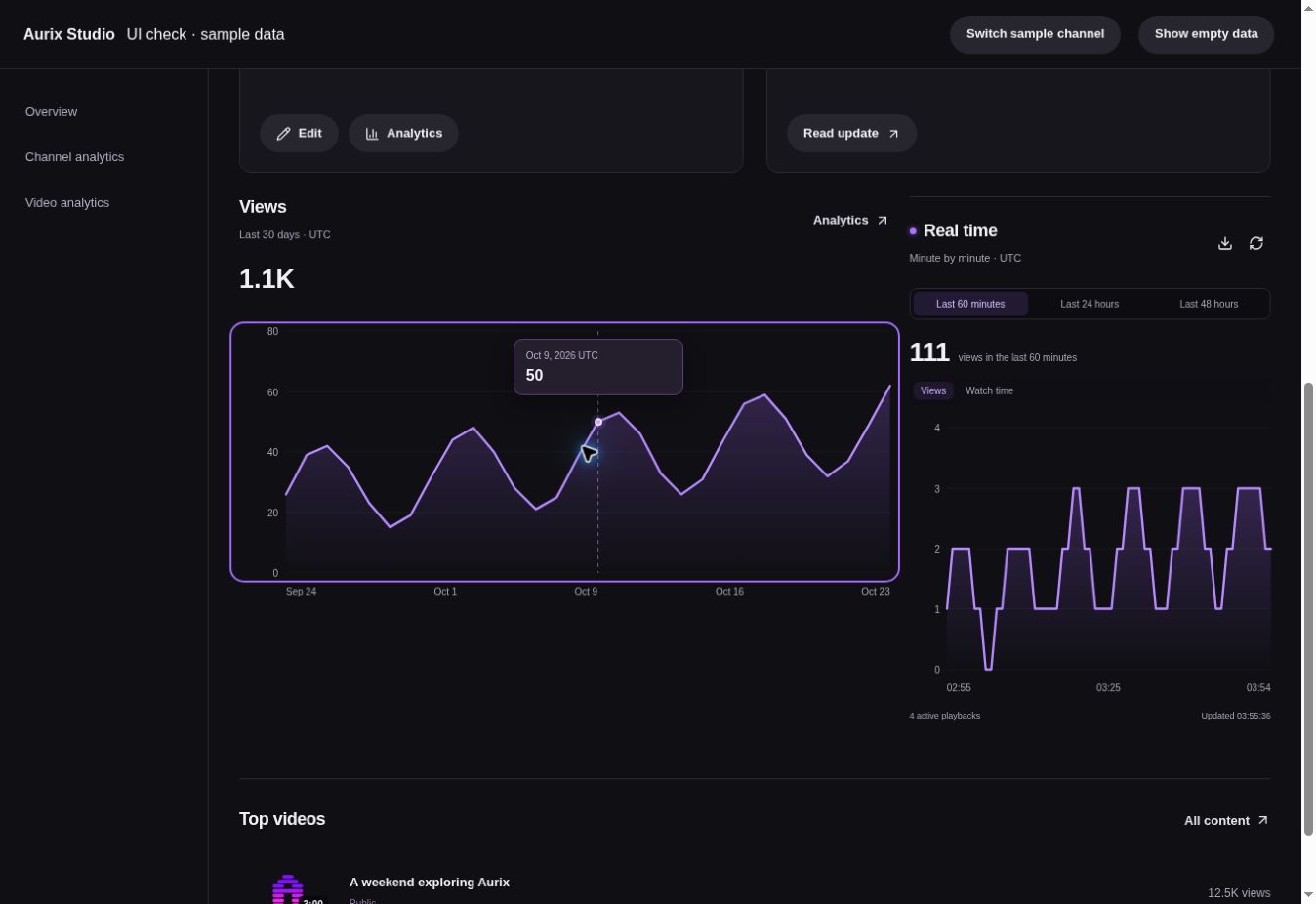
The real-time panel shows views and watch time minute by minute for the last 60 minutes, or hour by hour for the last 24 or 48 hours. It refreshes about every 30 seconds while the page is open.
Go deeper
See your top content, device types and where playback happens, including watch pages, Scrolls, playlists and embeds. Open a video’s analytics to explore its audience retention, or export chart data as CSV.
Watch time now includes live streams and accounts for pauses, seeking and playback speed. Detailed minute-level tracking starts with this update; existing watch-time totals are preserved. Real-time figures are estimates and may arrive with a delay. All chart times use UTC.